
Your CRM has one big bucket of leads. Some are enterprise prospects with $200K deal potential. Some are freelancers who want your free tier. Some are agencies evaluating you for their clients. Some are spam. They all sit in the same list, get the same routing logic, and compete for the same rep attention.
Smart grouping — automatically segmenting leads into distinct categories based on their attributes and behavior — is the difference between treating every lead the same and treating every lead appropriately. The grouping determines the routing, the response, the urgency, and ultimately the conversion rate.
Why manual segmentation doesn't scale
Most teams start with manual segmentation. An SDR reviews each lead, checks the company size, looks at the form responses, and decides: enterprise, mid-market, SMB, or disqualified. This works when you're getting 50 leads a month. At 200+ leads a month, it becomes a full-time job that adds hours of delay to every lead.
The delay is the real cost. While the SDR is reviewing and categorizing, the lead is waiting. A lead that should have been routed to an enterprise AE immediately instead sits in a queue for 2 hours while someone decides which bucket it belongs in.
What to group by
The grouping variables depend on your sales structure, but most B2B companies need 3–5 of these:
| Variable | How to capture it | What it determines |
|---|---|---|
| Company size | Form field (employee count or revenue range) + enrichment | Segment tier — enterprise, mid-market, SMB. Determines which team or rep handles the lead. |
| Industry / vertical | Form field or enrichment | Routing to vertical-specific reps. Messaging and follow-up content. |
| Use case / product interest | Form field (dropdown or multi-select) | Which product team or specialist handles the lead. |
| Budget range | Form field | Deal size tier. Determines urgency and seniority of assigned rep. |
| Intent level | Combination of form type + behavioral signals | Urgency of response. Demo requests get instant routing. Content downloads get nurture. |
| Geography | IP-based detection or form field | Territory assignment. Time zone-appropriate response. |
The key is capturing these variables at the point of form submission — not after the fact. If the form collects name, email, and company only, you can't group until enrichment runs (adding latency) or an SDR manually reviews (adding hours).
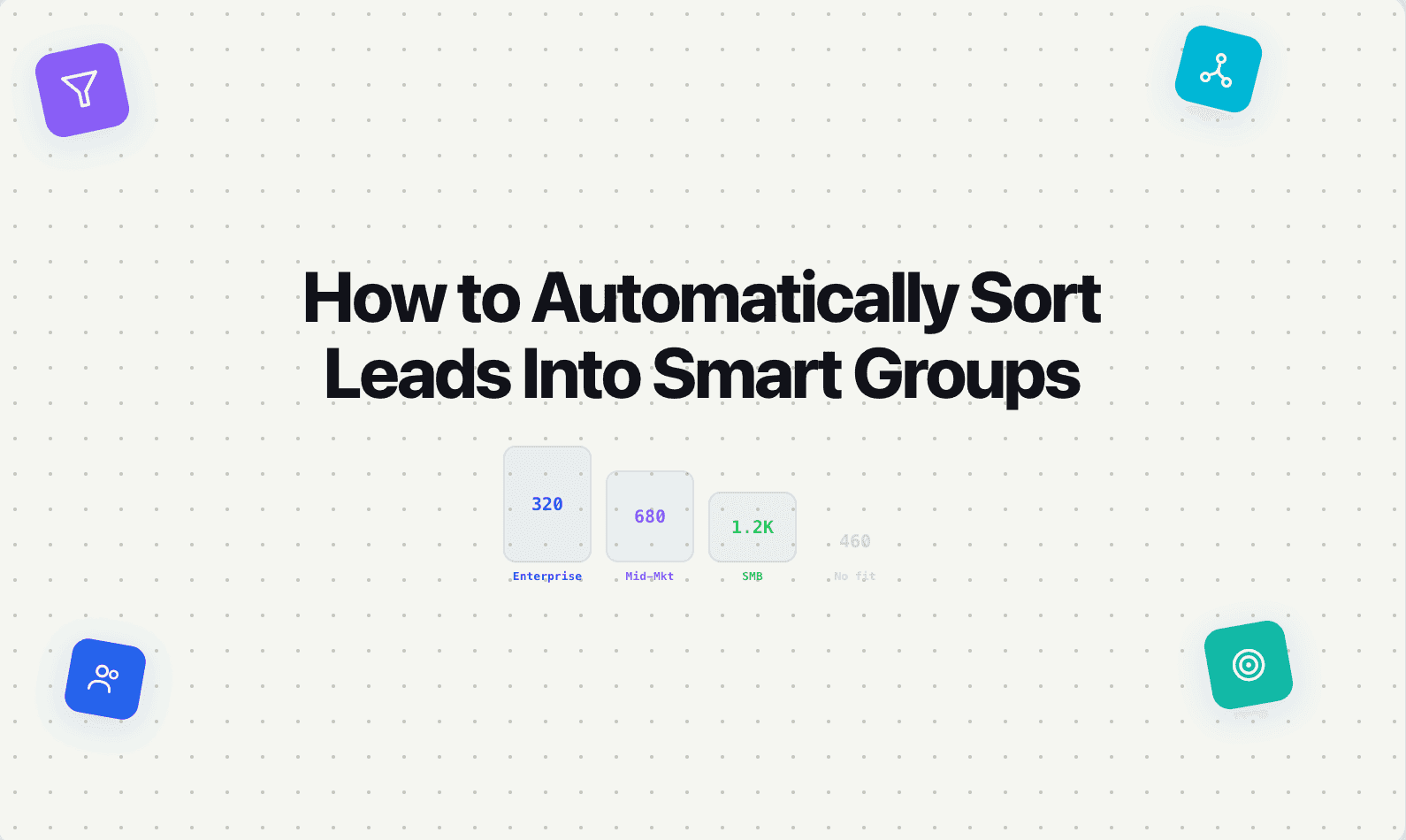
[IMAGE: A diagram showing a single form submission splitting into four groups based on captured attributes: "Enterprise — AE team (instant)," "Mid-market — SDR team (< 5 min)," "SMB — self-serve flow (automated)," "Unqualified — nurture (automated)." Clean, minimal, white background, blue (#4F6DF5) accent, flat design.]
How to set up automatic grouping
Step 1: Define your groups. Most companies need 3–5 distinct groups. Common setups: Enterprise / Mid-market / SMB / Unqualified. Or: Product A / Product B / Services / Not a fit. The groups should map directly to how your sales team is organized.
Step 2: Define the rules. Each group gets a set of criteria. Example: "Enterprise = 500+ employees AND budget > $50K AND timeline < 6 months." Rules should use AND/OR logic and be evaluated in priority order — check enterprise criteria first, then mid-market, then SMB, with a catch-all for anything that doesn't match.
Step 3: Capture the inputs at the form level. Your forms need to collect the data that feeds the rules. If company size determines the group, the form needs a company size question. If budget determines urgency, the form needs a budget range question. No inputs, no grouping.
Step 4: Connect grouping to routing and response. Grouping without action is just a label. Each group should trigger a different routing rule (enterprise leads to senior AEs, SMB leads to a self-serve flow) and a different response (enterprise gets a personalized message within 30 seconds, SMB gets an automated onboarding email).
Step 5: Review and refine monthly. Pull conversion data by group. If your "enterprise" group converts at 40% but your "mid-market" group converts at 8%, either the mid-market criteria are too loose or the mid-market routing/response needs improvement. Use the data to tighten the rules.
The common mistake: over-segmenting
More groups isn't better. Every group needs its own routing rule, response template, and follow-up sequence. If you create 12 groups, you need to maintain 12 distinct workflows. Most teams with fewer than 20 reps should have 3–5 groups maximum.
Start with the minimum groups that reflect meaningful differences in how leads should be handled. You can always add granularity later — but starting with too many groups creates maintenance overhead that nobody keeps up with.
Where Surface fits
Surface handles automatic grouping at the point of capture — form responses and enrichment data are evaluated in real time against your rules, and each lead is segmented, routed, and responded to based on its group before a human is involved.
If your SDRs are spending the first hour of every day manually sorting leads into categories, that's time Surface can eliminate entirely. Grouping should be instant, automatic, and connected to routing — not a manual step that adds delay.