
You know the setup. Typeform captures the lead. A Zapier sends it to HubSpot. Another Zap triggers Clearbit enrichment. A third Zap checks if the lead meets routing criteria and assigns it to a rep. A fourth Zap sends a Slack notification. And somewhere in this chain, there's a Google Sheet that logs everything because nobody trusts the Zaps to work perfectly every time.
This architecture was built one problem at a time. The form needed to connect to the CRM — Zap. The CRM needed to enrich the lead — Zap. The lead needed to be routed — Zap. Each automation solved an immediate need. But together, they created a system that's fragile, slow, and impossible to debug when something breaks.
And something always breaks.
Why Zapier setups fail at scale
Zapier is excellent at connecting two tools. It's not designed to be the backbone of a lead operations system. The problems compound as volume and complexity grow.
| Problem | What happens | Impact |
|---|---|---|
| Latency stacks | Each Zap adds 1–5 minutes of processing time. A 4-Zap chain can add 5–15 minutes to speed-to-lead. | Leads go cold before they're even routed. |
| Silent failures | A Zap fails — bad data, API timeout, rate limit — and the lead gets stuck. No alert unless you set one up manually. | Leads disappear from the funnel. Nobody notices for hours or days. |
| No conditional logic | Zapier's branching is basic. Complex routing rules — "if enterprise AND west coast AND product A, route to Rep X unless they're at capacity" — require multiple Zaps or workarounds. | Routing is simplified to fit the tool instead of matching business needs. |
| Maintenance overhead | Any change to the CRM schema, form fields, or routing rules requires updating multiple Zaps. Each one is a potential breaking point. | Nobody wants to touch the Zaps because they're afraid of breaking something. |
| No unified visibility | Each Zap runs independently. There's no single view of the full lead journey. Debugging requires checking each Zap's history individually. | When a lead doesn't get routed, finding out why takes 30+ minutes of forensic investigation. |
| Cost scales with volume | Zapier charges by task. A 4-Zap lead flow processing 500 leads/month burns 2,000+ tasks — and that's before retries and error handling. | $50–$200+/month just for the middleware, plus the time cost of maintaining it. |
The tell that your Zapier setup has hit its limit: you have a Slack channel where people report leads that didn't get routed correctly, and someone checks it every morning.
What "one tool" actually means
Replacing Zapier doesn't mean finding a better automation platform. It means eliminating the need for middleware entirely by using a system where capture, enrichment, qualification, routing, and response are native features — not integrations.
Here's the mapping:
| Current Zapier chain | What replaces it |
|---|---|
| Form tool → Zap → CRM | Capture layer that writes directly to CRM with native integration |
| CRM → Zap → Enrichment tool | Enrichment built into the capture flow, runs in parallel |
| Enrichment → Zap → Routing logic (usually another Zap or CRM workflow) | Routing engine that evaluates enrichment + form data in real time |
| Routing → Zap → Slack notification | Native notifications triggered by routing decisions |
| Routing → Zap → Email/SMS response | Automated response built into the routing flow |
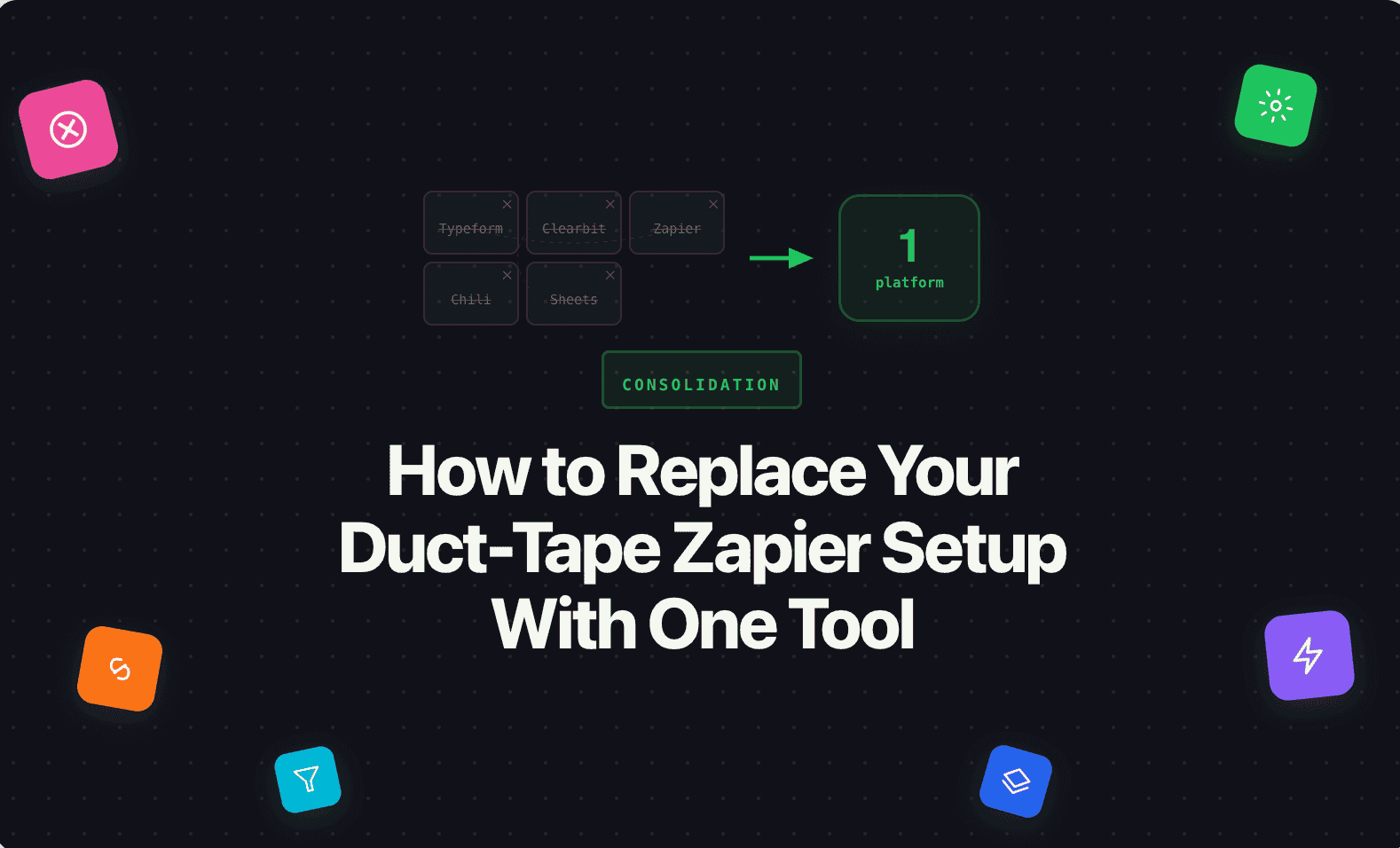
Five Zaps become zero. The entire flow runs in one system, in real time, with no handoff points where leads can get stuck.
[IMAGE: A before/after comparison. Left side: "Current" — a spaghetti diagram showing Form → Zap → CRM → Zap → Enrichment → Zap → Routing → Zap → Slack/Email, with red X marks on each Zap connection. Right side: "After" — a clean linear flow showing Form → Qualify → Route → Respond → CRM, all inside one box labeled "Surface." White background, blue (#4F6DF5) accent, flat design.]
The migration path
You don't have to rip everything out at once. The practical migration has three steps:
Step 1: Consolidate capture and routing. Move your forms and routing logic into one system. This eliminates the 2–3 Zaps between form submission and rep assignment. Keep the CRM integration via native sync (most modern tools have direct CRM connectors that are more reliable than Zapier).
Step 2: Add qualification and response. Build qualifying questions into the forms and set up automated first response. This eliminates the Zaps for enrichment-based routing and notification.
Step 3: Decommission the Zaps. Once capture, qualification, routing, and response are running in one system, turn off the Zapier automations one by one. Keep monitoring for a week to make sure everything is flowing. Then cancel the Zapier plan.
Most teams complete this in 1–2 weeks. The immediate result is faster lead processing, fewer failures, and a system that someone can actually understand and modify without fear.
Where Surface fits
Surface replaces the Zapier chain entirely — capture, qualification, enrichment, routing, response, and CRM sync in one system. No middleware, no task limits, no silent failures.
If you have a Slack channel called #lead-issues or a Google Sheet that tracks whether Zaps are working, that's the clearest sign you've outgrown the duct-tape approach. Surface was built to replace it.