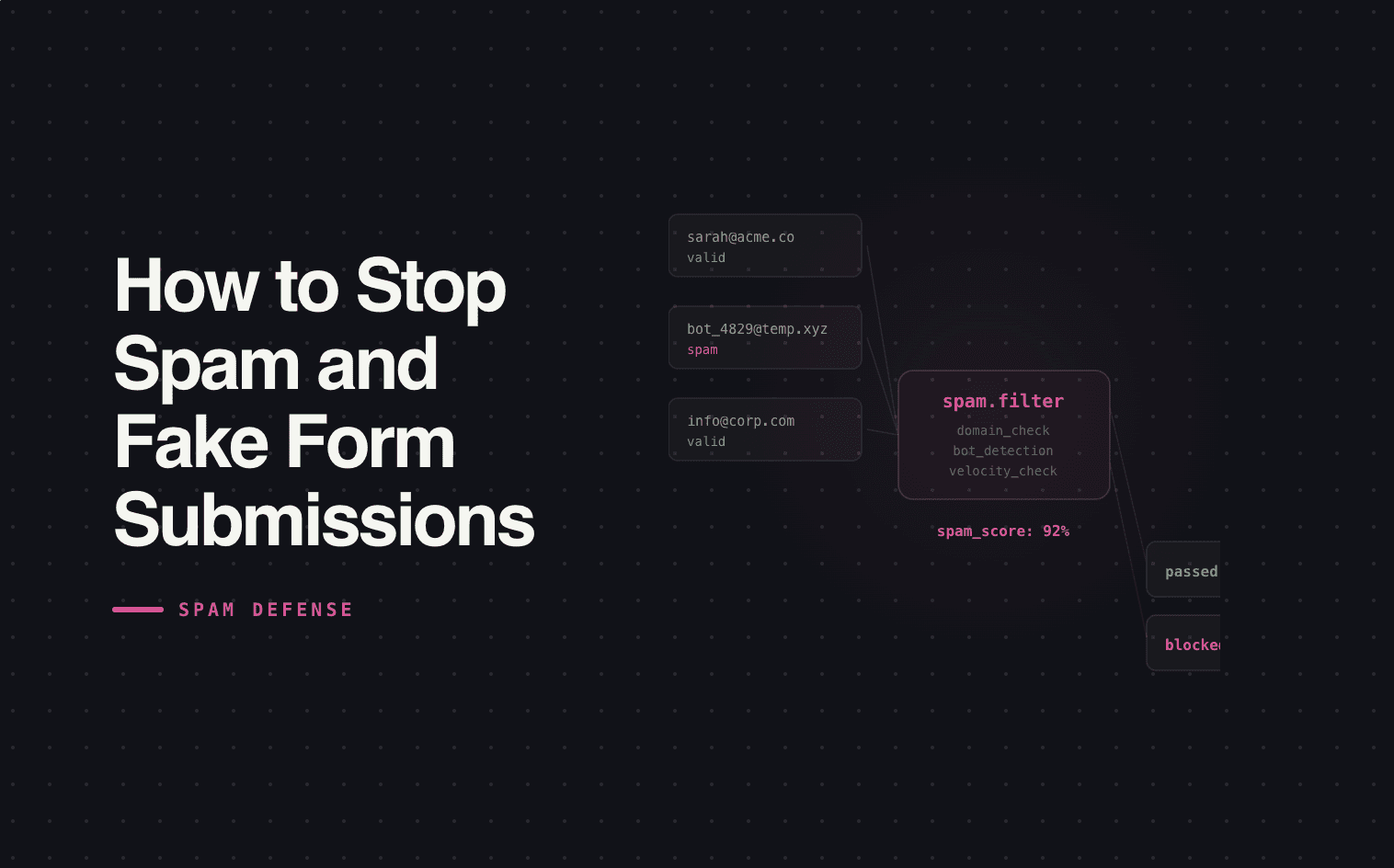
You open HubSpot on Monday morning and there are 40 new form submissions from the weekend. For about 3 seconds, that feels great. Then you start scrolling. Half the emails are @mailinator.com. A quarter have gibberish in the company name field. Two of them somehow triggered your enrichment tool and burned credits looking up "asdfasdf Inc." One got routed to a rep who already called the number and got a disconnected line.
Spam submissions aren't just annoying. They're expensive. They inflate your lead counts, corrupt your reporting, waste enrichment and routing resources, and erode your sales team's trust in inbound leads. The rep who calls 3 fake leads in a row stops treating inbound with urgency — and that affects the real leads too.
This is a bigger problem than most teams realize, and HubSpot's native tools don't fully solve it.
The hidden cost of spam
Most teams think of spam as a nuisance — something to delete and move on. But in a system where form submissions trigger automated workflows, every fake lead has a real cost.
| What happens | Why it matters |
|---|---|
| Spam lead enters HubSpot as a contact | Inflates your database, skews contact-level reporting, counts against your HubSpot contact tier pricing |
| Enrichment fires on the fake lead | Burns $0.20–$1.00+ per lookup on Clearbit, ZoomInfo, or Apollo — for a lead that doesn't exist |
| Routing workflow assigns it to a rep | Rep wastes time reviewing, calling, or disqualifying a fake lead. At scale, this is hours per week. |
| Lead counts inflate | CPL looks artificially low. "We got 400 leads this month" becomes "we got 250 real leads and 150 bots" — but nobody segments it that way |
| Sales team loses trust | After calling enough fake leads, reps start slow-playing all inbound. Response time creeps up across the board — including for real buyers. |
The last row is the most damaging. Spam doesn't just waste resources — it trains your team to ignore inbound. That behavioral shift costs more than the enrichment credits ever will.
What HubSpot gives you natively
HubSpot has a few built-in tools to fight spam. They help, but they don't solve the problem.
CAPTCHA. HubSpot offers reCAPTCHA on forms. It blocks the dumbest bots but doesn't stop form-filling services, manual spam, or sophisticated bots that bypass CAPTCHA. It also adds friction for real leads — every CAPTCHA challenge is a potential drop-off.
Honeypot fields. Hidden fields that bots fill out but humans don't. HubSpot includes these by default. They catch basic bots but are ineffective against anything more advanced.
Blocked email domains. You can block free email providers (gmail.com, yahoo.com) or known spam domains. This works for B2B forms where you want corporate emails only, but it's a blunt instrument — you'll also block legitimate leads who use personal email.
Submission limits. You can limit how many times the same IP can submit a form. Helps with brute-force spam, doesn't help with distributed bot networks or manual spam.
These tools reduce volume, but they don't eliminate the problem — and they don't address the downstream waste that happens when a spam lead slips through and triggers your workflows.
Why the real fix is upstream
The spam problem isn't a filtering problem. It's a capture design problem.
Standard forms — name, email, company, submit — are trivially easy for bots to fill out. There's no friction, no logic, no branching. A bot can complete the form in milliseconds because the form doesn't ask the lead to think.
Multi-step forms with conditional logic are a structural spam filter. When a form asks "What's your budget range?" and then branches to a different question based on the answer, and then asks "What's your timeline?" — bots can't navigate that. They don't understand conditional logic. They can't select coherent answers across branching paths.
This isn't a CAPTCHA. It's not a honeypot. It's a form that requires intent — and intent is the one thing spam submissions don't have.
The side benefit is that the same conditional logic that blocks spam also qualifies real leads. You're not adding friction for friction's sake. You're asking questions that help you route the lead to the right rep with the right context. The spam filtering is a byproduct of better form design.
What this looks like in practice
A standard HubSpot form: 4 fields, flat, no logic. Spam rate: 15–30% of submissions depending on traffic source.
A multi-step form with conditional qualification: 4–6 questions, branching logic, real-time validation. Spam rate: under 2%. And every real lead that completes it arrives in HubSpot pre-qualified with budget, timeline, and use case data attached.
The conversion rate on the multi-step form is typically comparable to or slightly lower than the flat form — but the lead quality is dramatically higher and the spam is nearly eliminated. When you factor in the saved enrichment spend, the recovered rep time, and the cleaner reporting, the multi-step form wins by a wide margin.
Where Surface fits
Surface sits in front of HubSpot as your capture layer. Leads fill out a Surface form with conditional logic, real-time validation, and built-in qualification. Clean, qualified leads push into HubSpot automatically — spam never gets there.
If your HubSpot database is full of fake contacts and your reps have stopped trusting inbound, the fix isn't better filtering inside HubSpot. It's better capture in front of it. That's what Surface was built to do.