
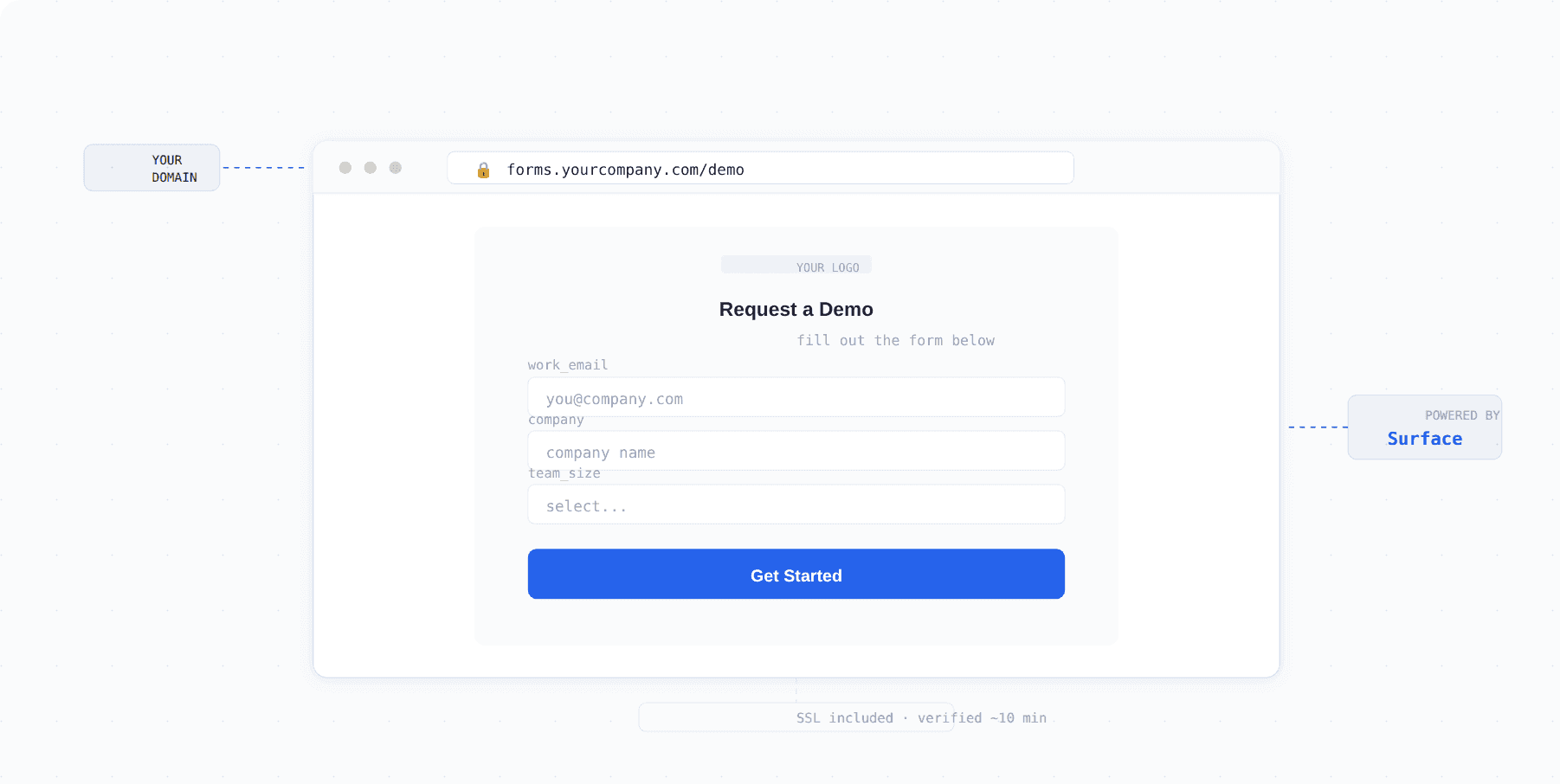
Surface forms can now live on your domain as standalone pages. Fully branded, no code changes, no developer required.
The Problem
You need a landing page for a campaign, an event registration form, or a multi step survey. The options aren't great. Either you ask engineering to build and deploy something on your main site, or you use a third party tool that lives on someone else's domain and looks nothing like your brand.
The first option is slow. The second looks unprofessional. Both create unnecessary friction for marketing teams that just want to get a page live quickly.
Custom Domains in Surface
Surface forms can now be hosted on your own domain as fully standalone pages. No embedding, no iframes, no subdomains that scream "third party tool." The form gets its own URL on your domain, fully branded, and ready to share.
Marketing teams can spin up campaign pages, event registration, lead capture forms, or multi step surveys without touching the primary website or waiting on a developer.
Setup
Getting a custom domain connected takes about ten minutes. Here's the full process:
1. Navigate to Settings in the main sidebar
2. Click "Domains" and add your new domain
3. Wait for verification (up to 10 minutes)
4. Go to your Form Settings and connect the verified domain
5. Your form is live as a standalone page on your domain
Set it once. Host forever. Any updates you make to the form in Surface automatically reflect on the live page.
Use Cases
| What you're launching | Why custom domains help |
|---|---|
| Campaign landing page | Dedicated URL you can share in ads, emails, and social without sending traffic to your main site |
| Event registration | Standalone signup page that matches your brand, no generic form tool branding |
| Multi step survey | Clean, distraction free experience on your own domain |
| Partner or co branded forms | Host on a specific subdomain for different brands or regions |
Frequently Asked Questions
Do I need a developer to set up a custom domain? No. The entire setup is done in Surface's settings panel. You add the domain, verify it, and connect it to your form. No code changes required.
Can I use a subdomain? Yes. You can connect a subdomain like forms.yourcompany.com or campaign.yourcompany.com.
Does the form update automatically after I connect the domain? Yes. Any changes you make to the form in Surface are reflected on the live page immediately.
Will the page look like my brand? Yes. The form carries all the branding, styling, and design you've configured in Surface. It looks like your page, not a third party tool.
Can I host multiple forms on different domains? Yes. You can connect multiple domains and assign different forms to each one.