
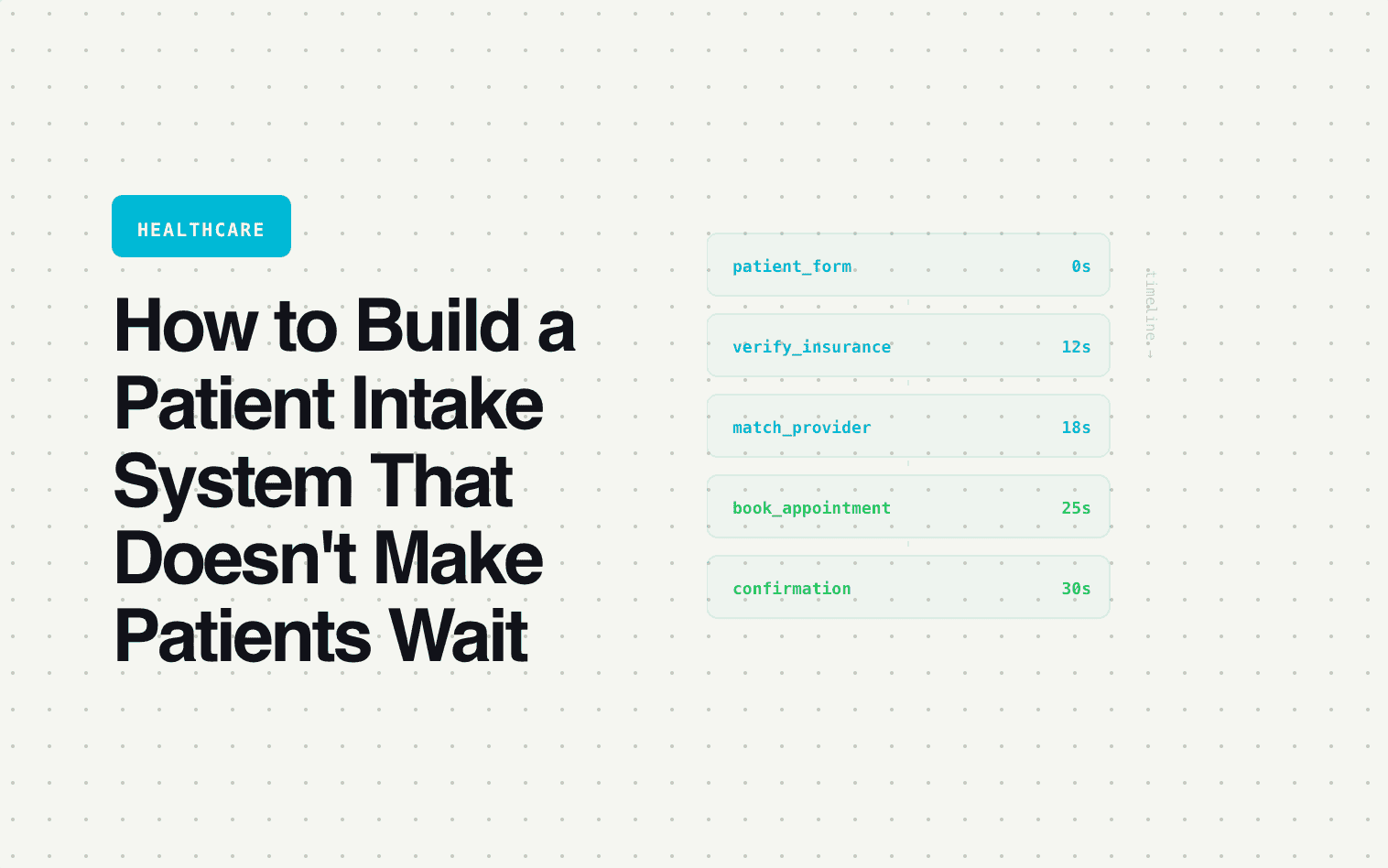
The average patient calling a healthcare practice waits 8–12 minutes on hold. One in three hangs up before reaching a human. Of those who hang up, most don't call back — they book with the practice that had online scheduling.
Healthcare practices are losing patients at the front desk. Not because the providers aren't good, but because the intake experience is stuck in 2010 — phone calls, hold music, and paper forms.
The fix isn't hiring more front desk staff. It's building an intake system that handles the repeatable parts of patient intake digitally — so the phone is reserved for the conversations that actually need a human.
What patients actually want
Patients don't want to call. Studies consistently show that 60–70% of patients prefer to book appointments online. They want to: see available times, select a provider, answer intake questions, verify insurance compatibility, and confirm the appointment — all without picking up a phone.
The practices that offer this gain a structural advantage: they capture patients that phone-only practices lose, they reduce front desk burden, and they collect better intake data (because digital forms are consistent — phone intake depends on whoever answers).
The 5-step intake system
Step 1: New vs. returning patient
The first question on the intake form: "Are you a new patient or returning patient?"
Returning patients need a shorter path: verify identity → select their existing provider → book an appointment. No intake questions, no insurance verification, no redundant data collection. They've already done all that.
New patients need the full flow: screening questions, insurance verification, provider matching, and scheduling. Separating these paths immediately reduces friction for your existing patients (who represent the majority of appointments) while giving new patients the thorough onboarding they need.
Step 2: Conditional symptom screening
The form asks what type of care the patient needs: primary care, specialist referral, mental health, urgent care, wellness/preventive. Each selection triggers relevant screening questions.
For mental health, the screening might include: type of support sought (therapy, psychiatry, both), primary concern (from a dropdown: anxiety, depression, relationship, grief, trauma, other), previous treatment history, and insurance or self-pay preference. This pre-screening gives the matched provider enough context to prepare for the first session — and it identifies whether the patient needs therapy, psychiatry, or both before the appointment is booked.
For urgent care, the screening prioritizes triage: symptoms, onset, severity (1–10 scale). High-severity responses can trigger an immediate message: "Based on your symptoms, we recommend visiting the emergency room. If this is not an emergency, we have same-day availability at [time]."
Step 3: Insurance verification at intake
The number one cause of appointment friction: insurance mismatch. The patient books, shows up, and discovers the practice doesn't accept their plan. Wasted time for everyone.
The form captures: insurance carrier (dropdown of major carriers), plan type, and member ID. The system checks this against the practice's accepted insurance list in real time.
If accepted: The form continues to scheduling. The patient sees: "Great — we accept [carrier]. Let's find you a time."
If not accepted: The form branches: "We don't currently accept [carrier]. You have two options: self-pay (our rates are X–X– X–Y per visit) or we can help you find an in-network provider." This saves the patient a wasted trip and the practice a wasted appointment slot — and it's a better experience than discovering the mismatch at the front desk.
Step 4: Provider matching
New patients are matched based on: specialty (from the screening), accepted insurance (verified in step 3), availability (real-time calendar), location (for multi-location practices), and patient preferences (provider gender, language, specific provider requests if any).
The matching happens instantly. The patient sees available providers who meet all their criteria — not a full provider directory they have to filter themselves.
Step 5: Automated pre-visit workflow
After booking, the system triggers:
Immediately: Confirmation email/text with appointment details, provider name, office location, and cancellation/reschedule link.
24 hours before: Reminder with prep instructions specific to the visit type. Fasting for bloodwork. Bring medication list for primary care. Complete the PHQ-9 for mental health intake.
1 hour before: Final reminder with parking/check-in instructions.
Post-visit (24 hours after): Satisfaction survey + follow-up care reminders.
This automation reduces no-shows (practices report 30–50% reduction in no-shows with automated reminders) and improves the patient experience without adding front desk workload.
The impact on front desk operations
| Task | Before (phone-based) | After (digital intake) |
|---|---|---|
| Average intake call duration | 8–15 minutes | 0 (handled digitally) |
| Calls per day for scheduling | 40–60 | 15–25 (only complex cases) |
| Insurance mismatch rate | 8–12% of appointments | Under 2% |
| No-show rate | 15–25% | 8–12% |
| Front desk hours on intake/scheduling | 20–30 hours/week | 8–12 hours/week |
The front desk doesn't disappear. It shifts from data entry and phone tag to handling complex patient needs, managing provider schedules, and improving the in-office experience. The digital system handles the 60–70% of intake that's repeatable and routine.
Where Surface fits
Surface powers the full patient intake flow: new/returning branching, conditional symptom screening, real-time insurance verification, provider matching, instant scheduling, and automated pre-visit workflows. Connected to your practice management system so patient records are created with full intake data — no manual entry at the front desk.
If your front desk spends more time on hold with patients than caring for the ones in the office, Surface fixes the ratio.