
You're a GTM engineer. Your tools are code, APIs, and CLIs — not drag-and-drop workflow builders. When someone asks you to "set up a campaign," they mean forms, routing, response sequences, CRM sync, and reporting. Most GTM platforms assume you'll do this in a GUI. You'd rather script it, version it, and deploy it.
Here's how to run a full inbound campaign — from capture to booked meeting — using code and APIs, without clicking through a single dashboard.
The campaign architecture
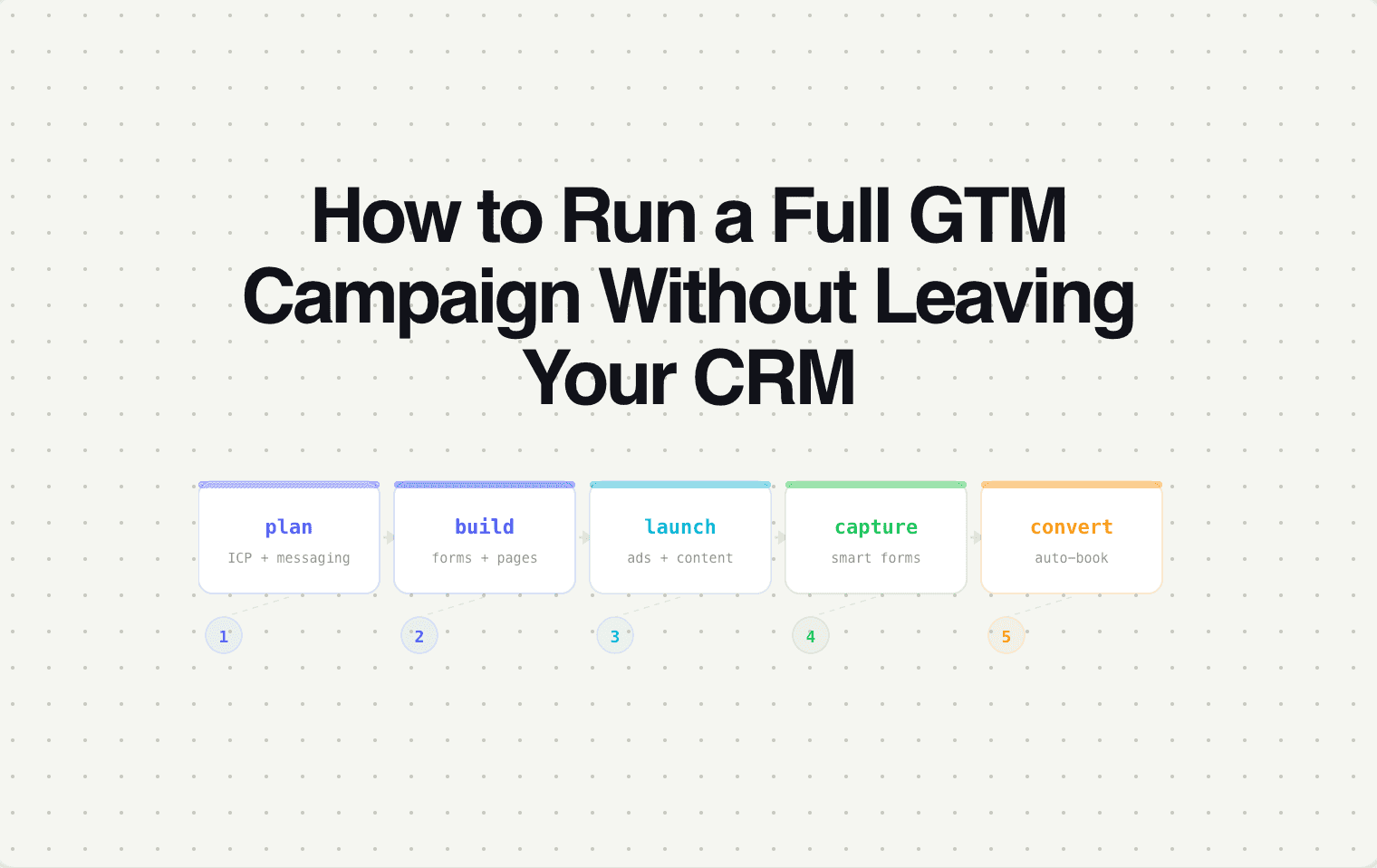
A complete inbound GTM campaign has five components. Each one is configurable via API or CLI if your stack supports it.
1. Capture — deploy the form.
The form needs to go live on a landing page or be embedded on an existing page. With Surface's API, you create the form programmatically —
defining fields, conditional logic, and qualification rules in a config file. Deploy via API call. The form is live. No GUI, no drag-and-drop, no clicking through a form builder.
2. Qualification — define the scoring rules.
Qualification rules evaluate form responses + enrichment data against your criteria. Define them as code:
Push the config. Qualification is live. When a lead submits, the rules evaluate in order and trigger the matched routing action.
3. Routing — configure rep assignment.
Define your routing pools with rep attributes, capacity limits, and availability:
Territory changes? Edit the YAML, push the update. New rep? Add them to the pool. No Salesforce admin ticket required.
4. Response — configure instant outreach.
Define the response templates that fire when routing completes:
The response fires within seconds of form submission — personalized with the lead's data and the routed rep's information.
5. Monitoring — instrument the pipeline.
Set up alerts and dashboards via API:
The entire campaign — capture, qualification, routing, response, and monitoring — deployed from config files and API calls. Version controlled in git. Reproducible for the next campaign. No GUI sessions, no screenshot-based documentation.
Why this matters
Code-first GTM campaigns are auditable (every rule is in version control), reproducible (clone the config for the next campaign with different parameters), testable (run the qualification rules against historical leads before deploying), and fast to iterate (change a routing rule and push — no navigating through 6 CRM screens).
For GTM engineers who manage multiple campaigns, products, or segments, this approach scales in a way that GUI-based configuration never will.
Where Surface fits
Surface is built API-first — every feature available in the dashboard is also available via API. Forms, qualification rules, routing logic, response templates, and monitoring can all be configured, deployed, and updated programmatically.
If you're a GTM engineer who'd rather write a config file than click through a form builder, Surface was built for how you work.