
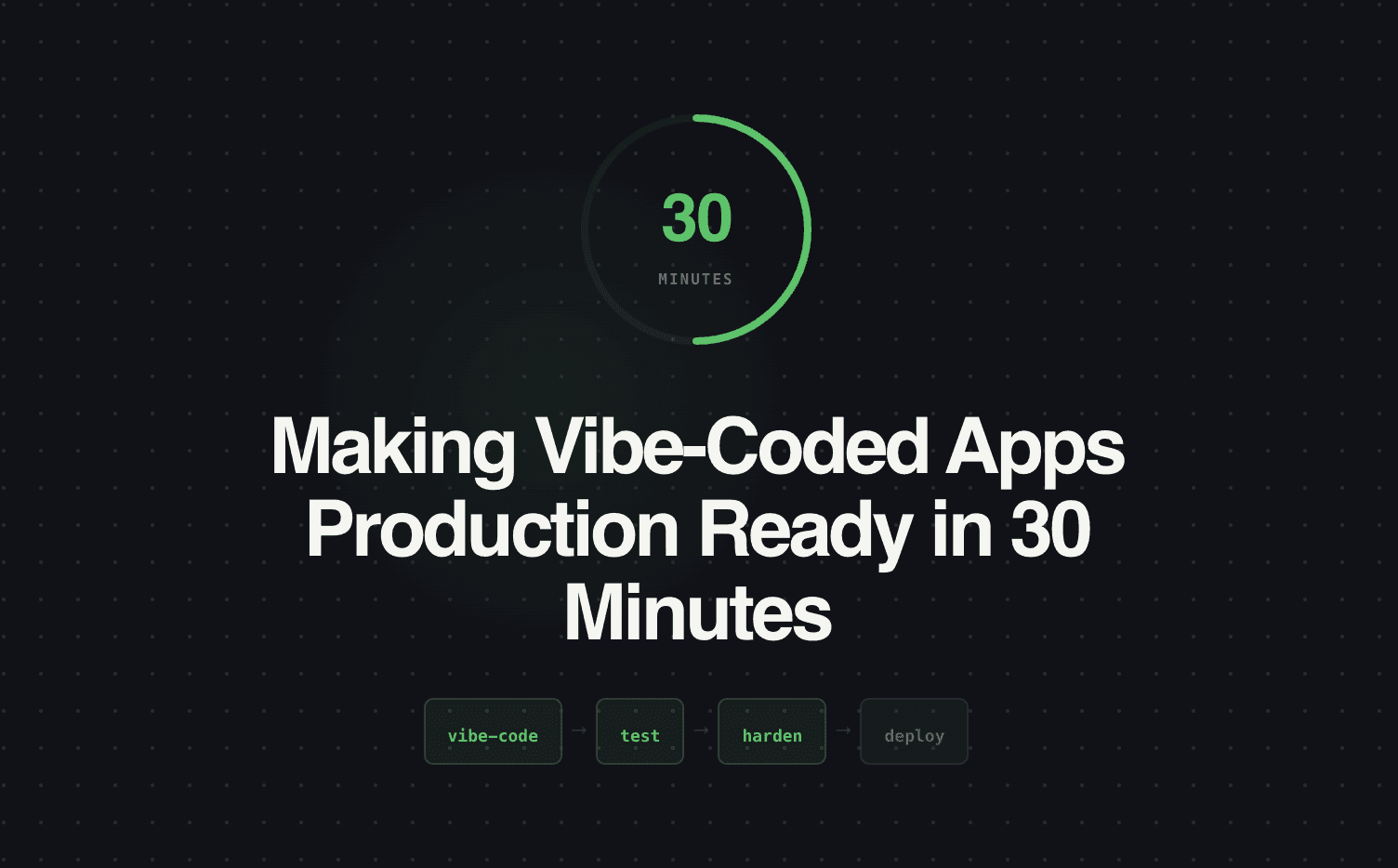
The middle school version: "Vibe coding" is when you build an app super fast by just describing what you want to an AI (like ChatGPT or Cursor) and it writes the code for you. The problem? These apps look cool but break easily — like a sandcastle that falls apart when the tide comes in. Surface helps you take that sandcastle and turn it into a real brick house in just 30 minutes. We do this ourselves all the time, and this post shows you exactly how.
What vibe coding actually produces
If you've used Cursor, Replit Agent, or Claude to build an internal tool in an afternoon, you know the feeling. You describe what you want, the AI generates it, you iterate a few times, and suddenly you have a working prototype. A lead scoring calculator. A form that routes inquiries. A dashboard that pulls CRM data. A campaign brief generator.
It works. On your laptop. With your test data. When you use it exactly the way you expected.
Then you share it with the team and reality hits. Someone enters their email in the wrong format and the app crashes. Two people submit at the same time and data gets overwritten. The API key is hardcoded in the frontend. There's no error handling, no validation, no data persistence, and no way to update it without re-deploying from your local machine.
The gap between "works on my laptop" and "works in production" is where most vibe-coded apps go to die. Not because the idea was bad — because the last 20% of making something reliable is boring work that AI prototyping tools skip entirely.
How we bridge the gap with Surface
At Surface Labs, we vibe-code internal tools constantly. Lead qualification prototypes, campaign calculators, data enrichment workflows, customer onboarding flows — anything we need to test fast, we build with AI and ship in hours.
But we don't deploy the raw prototype. We use Surface to handle the production layer — the parts that make the difference between a demo and a real tool.
Here's what Surface handles so the vibe-coded app doesn't have to:
| Production requirement | What breaks without it | How Surface handles it |
|---|---|---|
| Form validation | Bad data — wrong email formats, empty required fields, SQL injection attempts | Surface's form layer validates every input before processing. No bad data enters the system. |
| Error handling | App crashes when something unexpected happens. User sees a blank screen or error dump. | Surface catches errors gracefully. Users see helpful messages. Failed submissions are logged for debugging. |
| Data persistence | Data lives in memory or a local file. Close the browser, lose everything. | Surface stores submissions in a structured database with full history. |
| Concurrent users | Two people submit at the same time and data conflicts or overwrites. | Surface handles concurrent submissions natively. No race conditions. |
| Authentication | Anyone with the URL can access the app. No access control. | Surface can gate forms and tools behind authentication or link-based access. |
| CRM integration | Data captured by the app doesn't connect to your pipeline. Manual copy-paste required. | Surface pushes structured data to your CRM automatically. |
| Workflow triggers | The app captures data but nothing happens next. No routing, no notifications, no follow-up. | Surface triggers routing, email responses, Slack notifications, and CRM actions on every submission. |
| Monitoring | No visibility into usage, errors, or performance. You don't know if it's working until someone complains. | Surface provides submission tracking, error logging, and performance metrics. |
A real example: the lead magnet calculator
Last month, we needed a "Marketing ROI Calculator" — a lead magnet that lets prospects input their current metrics (ad spend, leads per month, conversion rate) and see how much pipeline they're leaving on the table.
Step 1: Vibe-code the logic (45 minutes). We described the calculator to Claude: "Build a tool that takes monthly ad spend, leads per month, current conversion rate, and average deal size. Calculate current cost per meeting, projected cost per meeting with improved conversion, and total annual pipeline impact." Claude generated the calculation logic and a basic UI.
Step 2: Move the input layer to Surface (15 minutes). Instead of using the vibe-coded form (no validation, no persistence, no CRM connection), we rebuilt the input as a Surface multi-step form. Step 1: company info + contact details. Step 2: current metrics (ad spend, leads, conversion rate, deal size). Step 3: results displayed inline with a "get your full report" CTA.
Step 3: Connect the outputs (10 minutes). Surface captures the submission, enriches the lead (company size, industry), qualifies based on the inputs (companies spending $20K+/month on ads are high-priority), routes to the right rep, and triggers an instant response with the personalized calculation results.
Step 4: Deploy (5 minutes). Embed the Surface form on a landing page. Done.
Total time: about 75 minutes from idea to production. The vibe-coded calculation logic powers the math. Surface powers everything around it — data capture, qualification, routing, CRM sync, and follow-up.
When to vibe-code and when to build from scratch
Vibe-code when: You need to test an idea fast. The tool is internal or low-stakes. The core logic is straightforward and the AI can handle it. You want to validate demand before investing engineering time.
Build from scratch when: The tool handles sensitive data (PII, financial, health). The logic is complex enough that AI-generated code would be unreliable. The tool needs to scale to thousands of users. It's a core product feature, not an internal or marketing tool.
Use Surface as the bridge when: The vibe-coded logic is sound but the production layer (validation, persistence, integration, routing) isn't. This is most internal tools, most lead magnets, most calculators, and most campaign-specific microsites.
The checklist
Before deploying any vibe-coded app, run through this:
- Input validation — does the form reject bad data?
- Error handling — does the app fail gracefully?
- Data persistence — is every submission saved?
- CRM sync — does captured data flow to your pipeline?
- Workflow triggers — does something happen after submission?
- Access control — can only intended users access it?
- Monitoring — can you see usage and errors?
If more than 2 of those are unchecked, the app isn't production-ready. Surface checks all of them by default.
Ship your vibe-coded apps with confidence. See how Surface makes prototypes production-ready.