
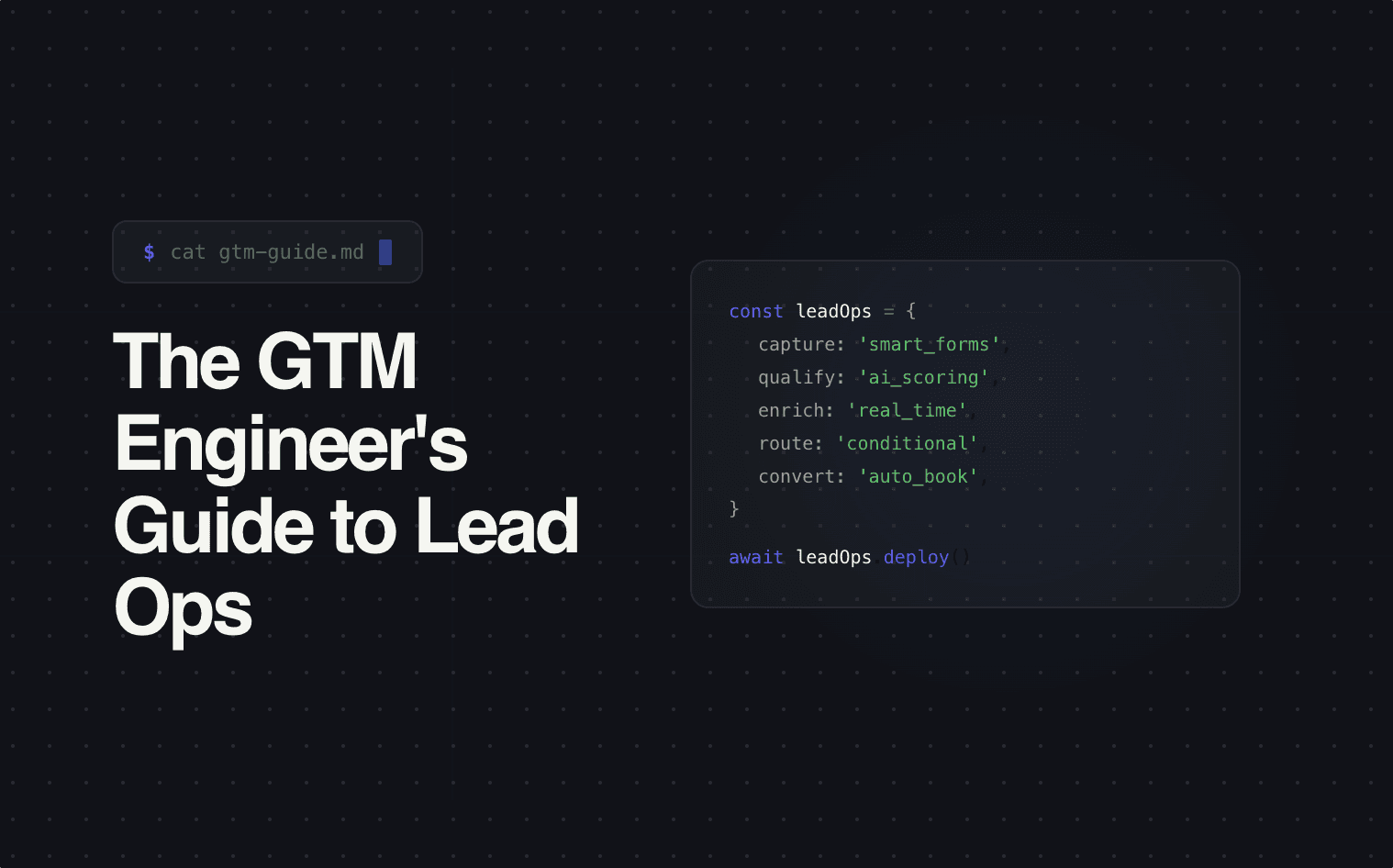
You just started a new role. The title says GTM Engineer. What you actually inherit is 14 Zaps, a HubSpot instance nobody fully understands, 3 form tools, a routing spreadsheet last updated 8 months ago, and a Slack channel called #lead-issues where sales reps post screenshots of leads that went to the wrong person.
Welcome to lead ops.
This is the playbook for auditing what you have, understanding why it's broken, and rebuilding it so you're not firefighting lead routing issues every Monday morning.
Why this keeps falling through the cracks
Lead ops sits at the intersection of marketing, sales, and engineering — which means nobody fully owns it.
Marketing owns the forms and the ad spend. Once the lead is captured, their job is done. Sales owns the CRM and the pipeline. Everything upstream is someone else's problem. Engineering builds integrations when asked, but they don't own the business logic — they'll connect Typeform to Salesforce, but they won't decide which leads route where or what "qualified" means.
So the system was never designed. It was accreted. Marketing picks a form tool. Sales picks a CRM. Someone in ops wires them together with Zapier. When the logic gets complicated, they add more Zaps. When something breaks, they add a workaround. Nobody has a unified view because there was never a unified plan.
That's the job you just inherited. The first thing you need to do is audit it.
The lead ops audit
Before you rebuild anything, map what actually exists — not what's documented. Trace every lead source from form submission to CRM entry to first rep outreach. Identify where routing decisions happen (CRM? Zapier? Google Sheet? Someone's head?) and count every tool in the lifecycle.
Here's what that audit usually reveals at a $10M–$50M company:
| What you find | Why it exists | What it costs you |
|---|---|---|
| 3–4 different form tools across campaigns | Different team members picked different tools at different times | Inconsistent data capture, no unified qualification, duplicated leads |
| 8–15 Zapier automations for lead routing | Each one solved a specific case; nobody refactored | Fragile chain — one Zap breaks, leads pile up unrouted for days |
| Enrichment running on every lead regardless of quality | Set-and-forget config from a year ago | Burning $2,000–$5,000/month enriching junk leads |
| Round-robin routing with no matching logic | Default CRM setting, never customized | Wrong reps get wrong leads — territory, seniority, product mismatches |
| No speed-to-lead measurement | Nobody instrumented it | 4–24 hour average response time that nobody knows about |
| Orphaned integrations from tools you no longer use | Nobody decommissioned them | Phantom data flows creating duplicates and triggering old workflows |
If more than 3 of those sound familiar, your lead ops isn't a system. It's an archaeological site.
What the modern stack should look like
The goal isn't fewer tools for the sake of minimalism. It's a stack where capture, qualification, routing, and response are one connected flow — not 6 tools duct-taped together with middleware.
Capture layer. One system that powers every form across all lead sources — consistent fields, consistent validation, consistent data output. New campaign means configuring a form, not building a new integration.
Qualification at capture. The form itself asks the 3–4 questions that determine whether this lead is worth a rep's time. This data exists before the lead ever hits the CRM.
Real-time routing engine. Routing logic lives in one place — not split across the CRM, Zapier, and a spreadsheet. Evaluates lead attributes at the moment of capture, routes based on territory, deal size, product interest, and rep availability.
Instant response. Personalized, context-specific response within 60 seconds. Not a generic autoresponder — a message that references what they asked about and who's going to help them. This only works if capture, qualification, and routing are connected upstream.
CRM as system of record — not routing engine. The CRM receives the lead after capture, qualification, routing, and first response have already happened. Clean, enriched, routed lead with full context. That's what CRMs are good at. Everything upstream is a different job.
The rebuild prioritization
You can't fix everything at once. Here's the order that produces the fastest ROI:
First: instrument speed-to-lead. Add timestamps at form submission, CRM arrival, and first rep outreach. A 12-hour average time-to-contact is a compelling case for infrastructure investment.
Second: consolidate routing. Move all routing logic into one system. Bad routing compounds every other problem — when routing is centralized, every improvement downstream multiplies.
Third: front-load qualification. Rebuild forms to capture qualification data at the point of entry. Reduces SDR call time, improves routing accuracy, gives reps real context on the first touch.
Fourth: automate instant response. This is where you see the biggest jump in lead-to-conversation rates — but it only works if the upstream layers are clean.
Fifth: decommission the duct tape. Kill the orphaned Zaps, cancel the redundant tools, clean up phantom integrations. Maintenance, not transformation — but it reduces your operational surface area.
[IMAGE: Horizontal flow diagram showing the rebuild sequence: Instrument → Consolidate routing → Front-load qualification → Automate response → Decommission duct tape. Each step has a small icon and a one-line impact note beneath it. White background, blue (#4F6DF5) accent, flat design.]
Where Surface fits
Surface was built to be the capture, qualification, routing, and response layer — the piece that sits in front of your CRM and replaces the Zapier chains, the orphaned webhooks, and the routing spreadsheets.
If your first month on the job involved more time in Zapier than in your actual go-to-market strategy, that's the problem Surface was built to fix.